Device documentation
I/O mapping for STM32 Nucleo WB55RG
Airport Wind Station STM32 Nucleo WB55RG
By: RHLab (University of Washington) , Luis Rodriguez Gil (LabsLand) , Zhiyun Zhang (RHLab, University of Washington) , Brian Chap (RHLab, University of Washington) , Rania Hussein (RHLab, University of Washington)
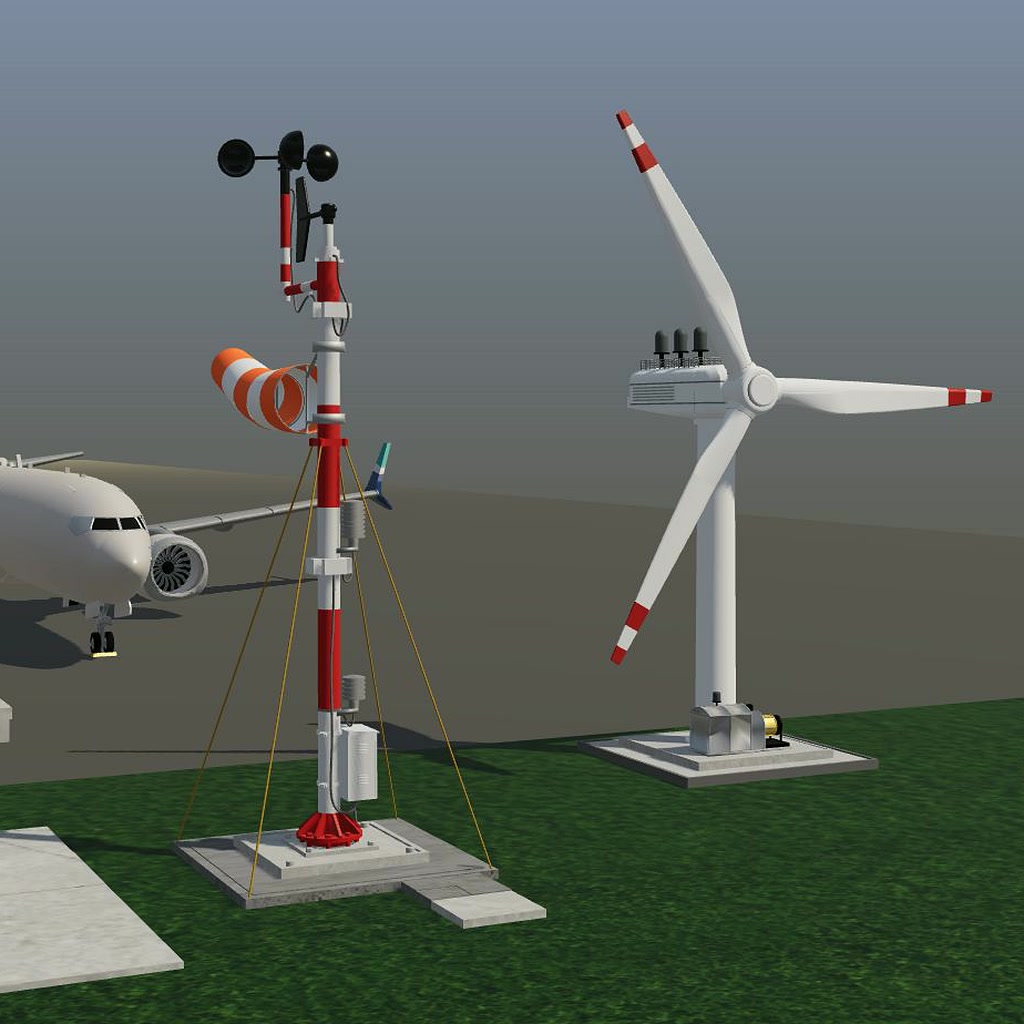
Airport Wind Station — STM32 Nucleo WB55RG I/O Mapping
These signals connect the Airport Wind Station simulation to the STM32 Nucleo
WB55RG through the LabsLand laboratory interface. They are not instructions
for wiring arbitrary external hardware. All command and sensor bits are
active high. Mbed spells pin PA6 as PA_6; STM32 HAL uses port GPIOA and
pin GPIO_PIN_6.
Simulation to STM32
- Fixed slot 0 — Reserved:
PC13(MbedPC_13). Ignore; not the controller reset. - Fixed slot 1 —
inputCode[0]:PA6(MbedPA_6). Least-significant wind-code bit. - Fixed slot 2 —
inputCode[1]:PB9(MbedPB_9). Most-significant wind-code bit. - Fixed slot 3 — Reserved:
PB8(MbedPB_8). Ignore. - Fixed slot 4 —
aligned:PC12(MbedPC_12). High when the turbine is aligned with the wind.
STM32 to simulation
- Fixed slot 0 —
align:PC4(MbedPC_4). Request yaw toward the wind. - Fixed slot 1 — Reserved:
PD0(MbedPD_0). Drive low. - Fixed slot 2 —
generatorEnable:PD1(MbedPD_1). Request generation. - Fixed slot 3 —
active:PB0(MbedPB_0). Turbine active. - Fixed slot 4 —
runwayWindAlert:PB1(MbedPB_1). High-wind alert.
Preserve all five slots in each direction, including the unused ones. Configure the sensor pins as inputs and command pins as outputs. Initialize outputs low before running the controller. Never configure a simulation-driven input as an output. In HAL, enable the GPIO port clocks before initialization.
Wind encoding and timing
Combine the inputs as (PB9 << 1) | PA6: 01 calm, 10 steady, 11 high
wind, 00 reserved/non-generating safe stop. Generation requires steady wind
and confirmed alignment. The usage guide on the
simulation page defines the complete
operating requirements.
Advance the state machine once per second with a non-blocking timer, while
continuing to sample the inputs and update the high-wind alert. The Mbed
reference samples approximately every 5 ms; do not put the whole controller
behind a one-second blocking delay. Keep the reserved output PD0 low.
Controller reset
Use the target's normal reset/reboot mechanism. Start the controller in
STOPPED with yaw, generation and active commands low; then respond to the
current plant inputs. No external reset input is assigned to PC13.
The browser's Restart activity button resets the simulated plant, not the STM32 program. Conversely, resetting the STM32 does not reset the wind or turbine geometry. Test both operations separately.
Credits
Airport Wind Station is a REDTAIL activity developed with RHLAB at the University of Washington and integrated with LabsLand. 3D modeling and simulation development: Zhiyun (ZZ) Zhang. Concept development, firmware development and system integration: Luis Rodríguez Gil. Contributions to the activity specification: Brian Chap. Project leadership and direction, and REDTAIL principal investigator: Professor Rania Hussein. See the usage guide for full acknowledgments.