Device documentation
I/O mapping for Altera DE1-SoC
Airport Wind Station Altera DE1-SoC
By: RHLab (University of Washington) , Luis Rodriguez Gil (LabsLand) , Zhiyun Zhang (RHLab, University of Washington) , Brian Chap (RHLab, University of Washington) , Rania Hussein (RHLab, University of Washington)
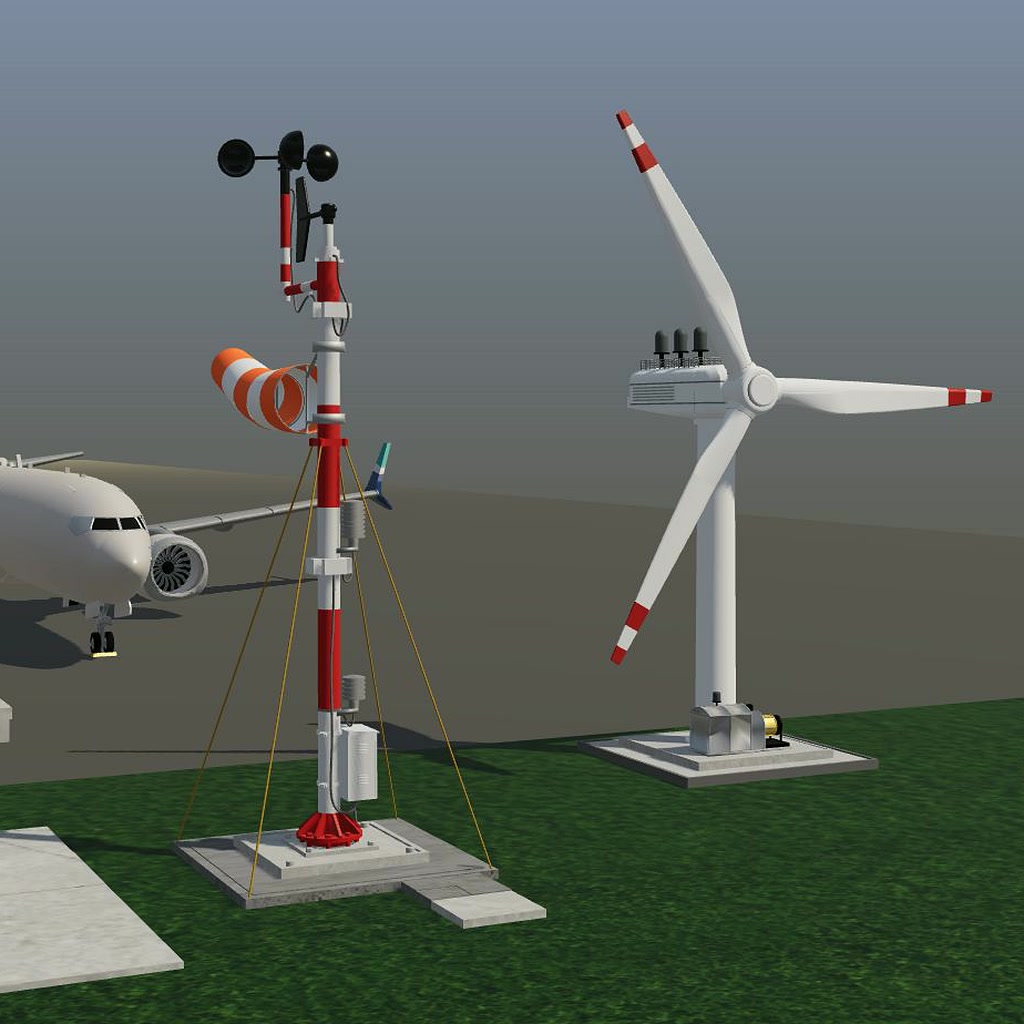
Airport Wind Station — DE1-SoC I/O Mapping
These signals connect the Airport Wind Station simulation to the Altera
DE1-SoC through the LabsLand virtual GPIO bus. They are not instructions for
wiring arbitrary external hardware. All command and sensor bits are active
high. GPIO 28 is written as V_GPIO[28] in Verilog/SystemVerilog or
V_GPIO(28) in VHDL.
Simulation to FPGA
- Fixed slot 0 — Reserved:
V_GPIO[28]. Ignore; not the controller reset. - Fixed slot 1 —
inputCode[0]:V_GPIO[29]. Least-significant wind-code bit. - Fixed slot 2 —
inputCode[1]:V_GPIO[30]. Most-significant wind-code bit. - Fixed slot 3 — Reserved:
V_GPIO[23]. Ignore. - Fixed slot 4 —
aligned:V_GPIO[24]. High when the turbine is aligned with the wind.
FPGA to simulation
- Fixed slot 0 —
align:V_GPIO[26]. Request yaw toward the wind. - Fixed slot 1 — Reserved:
V_GPIO[27]. Drive low. - Fixed slot 2 —
generatorEnable:V_GPIO[32]. Request generation. - Fixed slot 3 —
active:V_GPIO[34]. Turbine active. - Fixed slot 4 —
runwayWindAlert:V_GPIO[31]. High-wind alert.
Preserve all five slots in each direction, including the unused ones. Never drive the simulation-to-FPGA inputs from your controller.
Wind encoding and timing
Read the wind code as {V_GPIO[30], V_GPIO[29]}: 01 calm, 10 steady,
11 high wind, 00 reserved/non-generating safe stop. Generation requires
steady wind and confirmed alignment. The full operating rules are in the
usage guide on the simulation page.
Use CLOCK_50 and the supplied one-second clock-enable tick, with two-stage
synchronizers on the plant inputs. The high-wind alert follows the synchronized
wind code without waiting for that one-second tick. Do not replace the board
clock with a generated/gated clock.
Controller reset and indicators
The standard wrapper uses active-high V_SW[0] for controller reset. Assertion
is asynchronous and release is synchronized; the controller and tick divider
reset together. During reset, the controller enters STOPPED with yaw,
generation and active commands low. The alert follows the wrapper's sampled
wind input. Resetting the controller does not restart the simulated weather.
The standard wrapper presents the state on LEDR[1:0]: 00 STOPPED,
01 ALIGNING, 10 GENERATING, 11 STOPPING. The browser's Restart activity
button resets only the simulated plant. It is not a board-reset button.
Credits
Airport Wind Station is a REDTAIL activity developed with RHLAB at the University of Washington and integrated with LabsLand. 3D modeling and simulation development: Zhiyun (ZZ) Zhang. Concept development, firmware development and system integration: Luis Rodríguez Gil. Contributions to the activity specification: Brian Chap. Project leadership and direction, and REDTAIL principal investigator: Professor Rania Hussein. See the usage guide for full acknowledgments.